Hey!
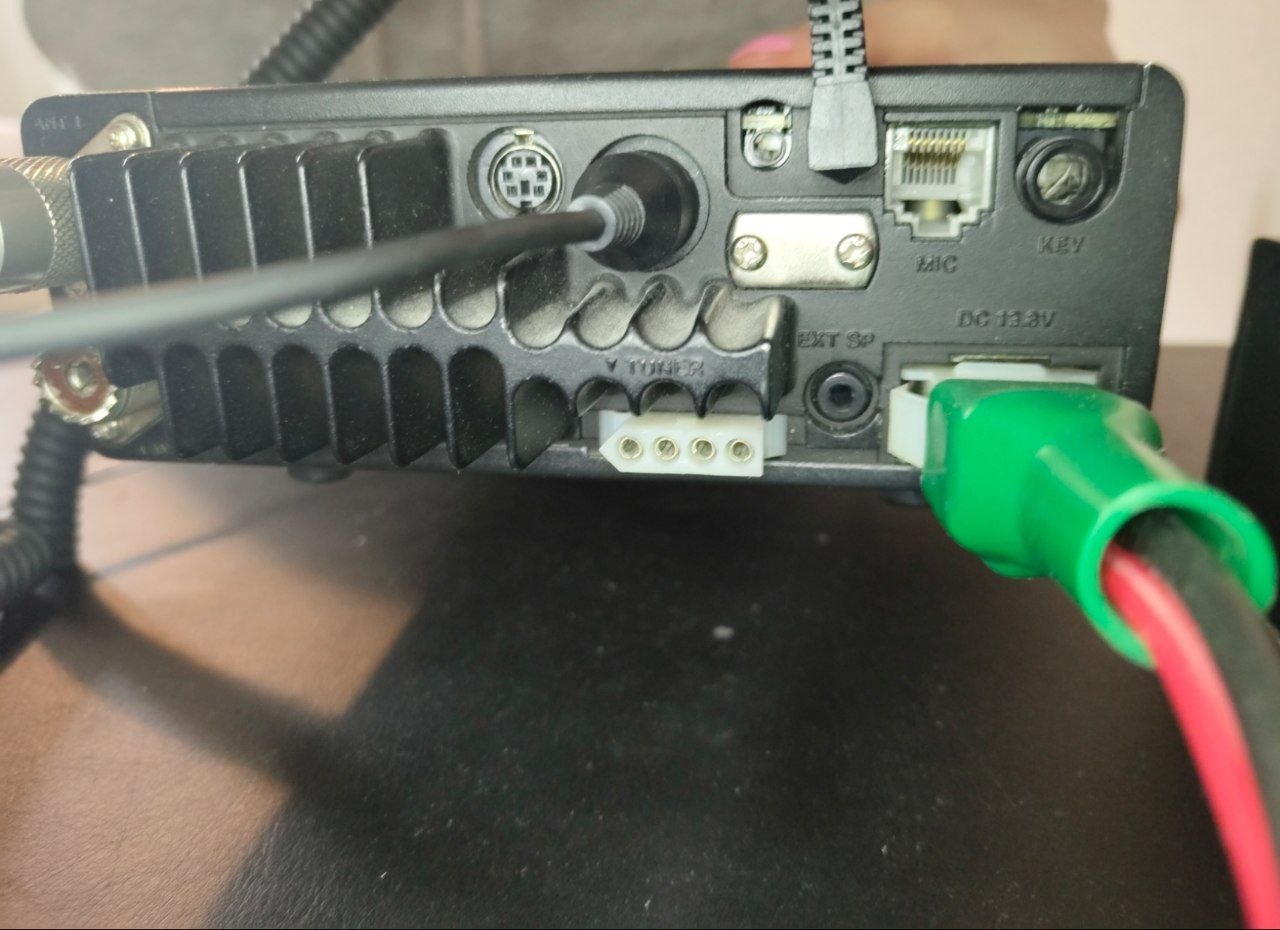
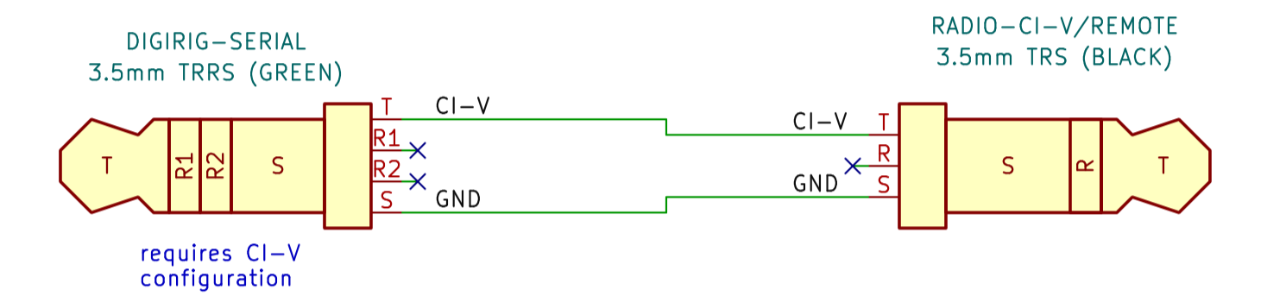
I have got an Icom IC-706mk2g with a digirig mobile and the recommended cables for the rig (CI-V and 13-Pin). Audio and hardware PTT via RTS work great! I am in the digital future! 
However I have troubles to get the serial CAT-control working.
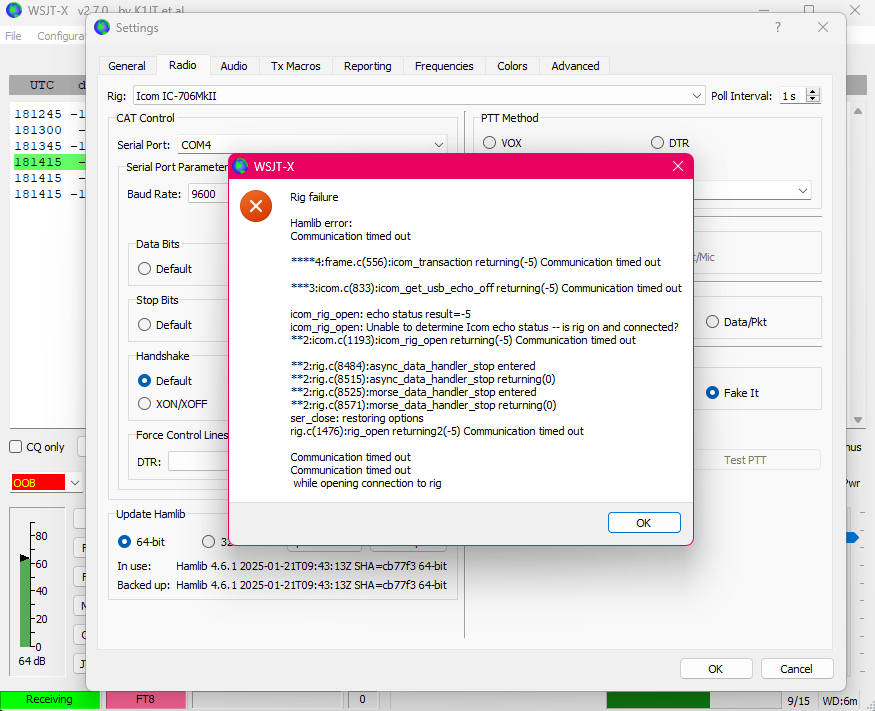
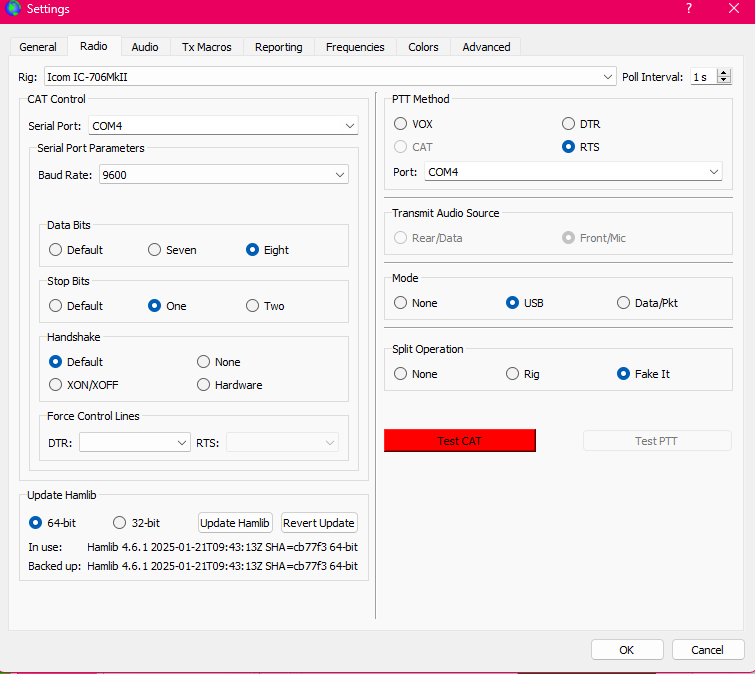
I have tried with different digital mode softwares and middlewares (fldigi, WSJT-X, Flrig, Omnirig), and different computers (Windows 10 & 11), reinstalled and rebooted with the same kind off error messages (Radio not responding). See attached screenshots of the error message and settings in WSJT-X:
The computer does seem to recognize digirig, audio and even ptt via rts (via the same com-port works fine). See the port settings in device manager for the digirig here:
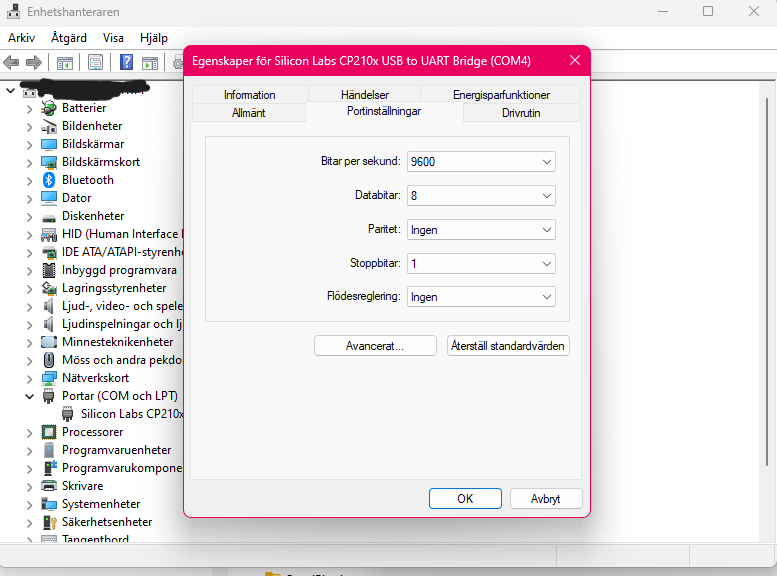
The baud rate of 9600 is the same in the transceivers settings. (Initial Settings Item “CI-V Trn” is Off. I have tried on too, with the same result).
I have checked for the Digirig CAT configuration: the Digirig has a marking on “C” on the outside box and the L-soldering as discribed under half-duplex CI-V serial CAT here https://digirig.net/understanding-rig-control-options/).
The loopback test with putty sends back the message if no cable is connected, the green serial cable is connected or if the serial and audio cable are connected to the digirig.
It does not send back the message if the green serial ci-v is connected to digirig and the radios ci-v port.
Please, send help!
Thank you very much in advance!
Vy 73 de
Jonathan
SA5MNH