I’m using a Apple Silicon MacBook Pro with VMWare and WinLink Express, VARA FM and latest version of VARA FM to a
DigiRig Mobile with black cable and Baofeng UV-R MINI everything works, except PTT. Cable buzzes out, tones go to radio when I hit PTT my self.
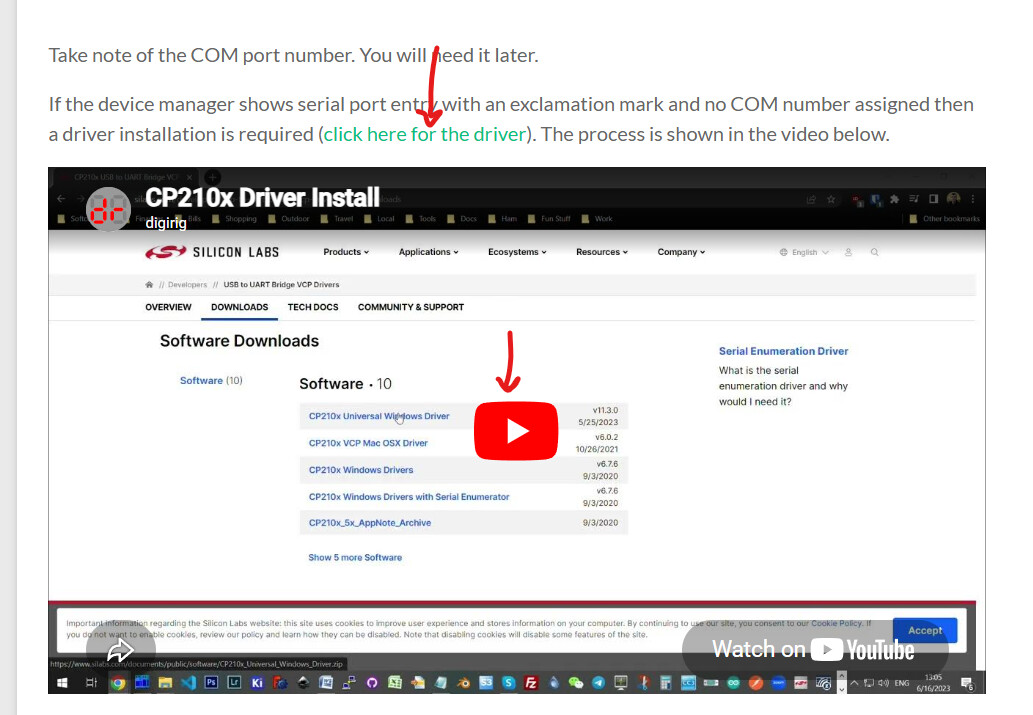
The COMM ports show up in the device manager; but no COMM number.
In VARA FM selecting COMM1 thru COMM5 VARA FM says the ports are busy.
COM number is required for hardware PTT with Digirig Mobile.
First check that the COMM port is actually associated with your Digirig - it should disappear when you unplug the USB cable. If it is, then see if installing Silicon Labs driver solves the COM number issue. There are also relevant options in the advanced settings for the serial port in the device manager - check them out.