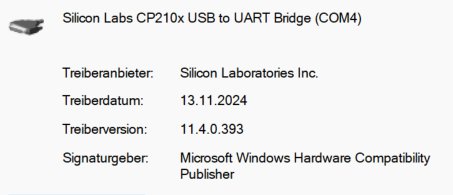
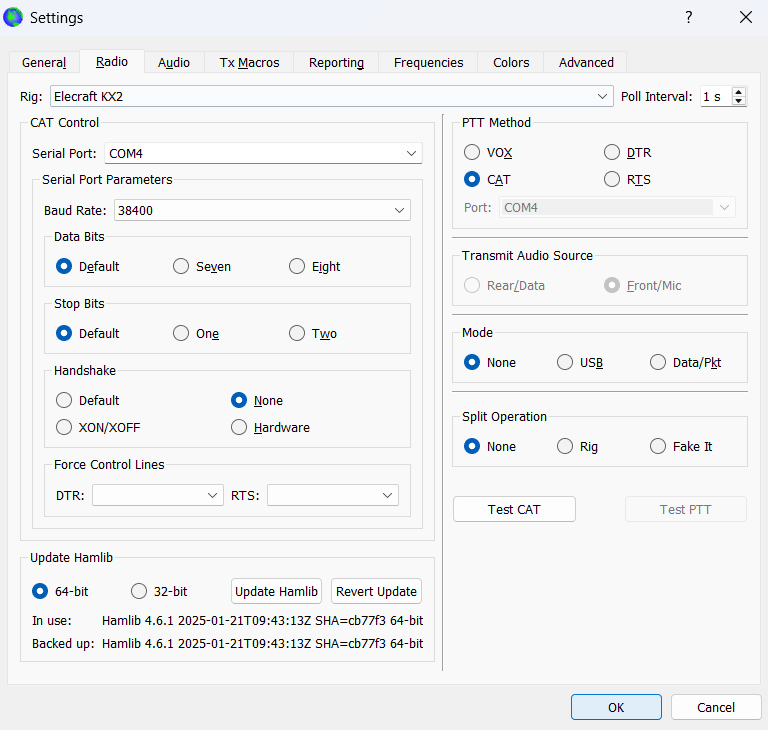
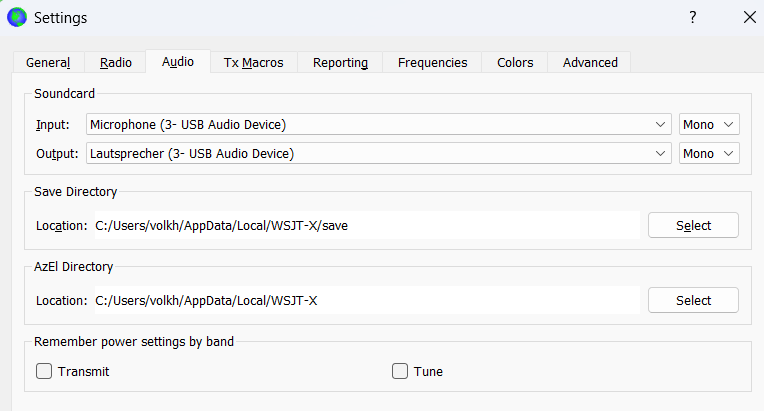
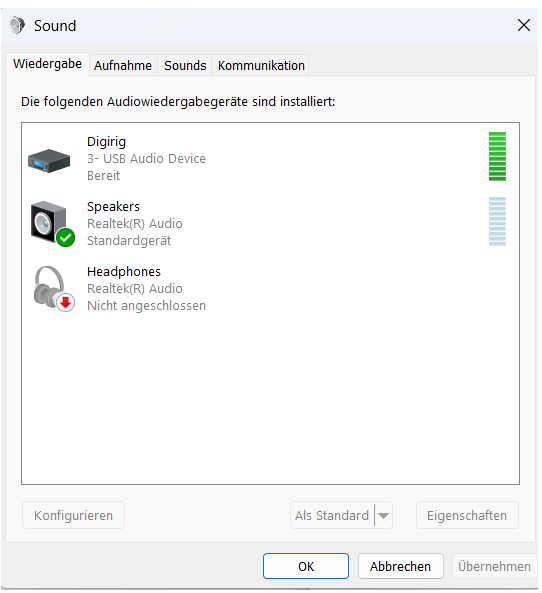
I am unable to achieve the required 4 ALC bars. The issue arises because, in Windows 11, once I select the new soundcard from digirig for input and output in WSJT‑X, the system greys out the option to adjust the volume on Windows. As a result, even with WSJT‑X set to full power and the KX2 microphone level between 50 and maximum, I cannot reach even a single ALC bar. Consequently, FT8 is poor. I am already using the latest drivers. Checked the PDF by W3FPR. I used several cables.
Now I am wondering if that setup should work at all with Windows 11 and the digirig mobile.
Can anybody confirm that and if yes how to achieve that?
To quickly access the sound settings in Windows create a shortcut pointing to “control.exe mmsys.cpl”. Another option is to right click the speaker icon next to the clock and then select “Sounds”.
I double‑checked the KX2 settings multiple times, but there are still no ALC bars, resulting in poor FT8 performance.
During testing, I noticed that when I touch or lift the Digirig Mobile, the connection drops. This suggests that either the Digirig cables or the Digirig Mobile itself may have an intermittent electrical fault. I am confident the USB cable is not the issue.
Would it be possible to bypass the Digirig Mobile and connect the black audio cable directly to the computer’s headset input? This would help isolate the problem and determine which component is causing the malfunction.
I do not have any further ideas how to get this simple setup to work.
Bypassing Digirig will not work because the pinout of the connector doesn’t match the socket in the computer, but you can test the continuity of the cable against the schematic published in the product page.
When you say “connection drops” do you refer to Digirig’s connection with the computer or your radio’s connection to the remote station?