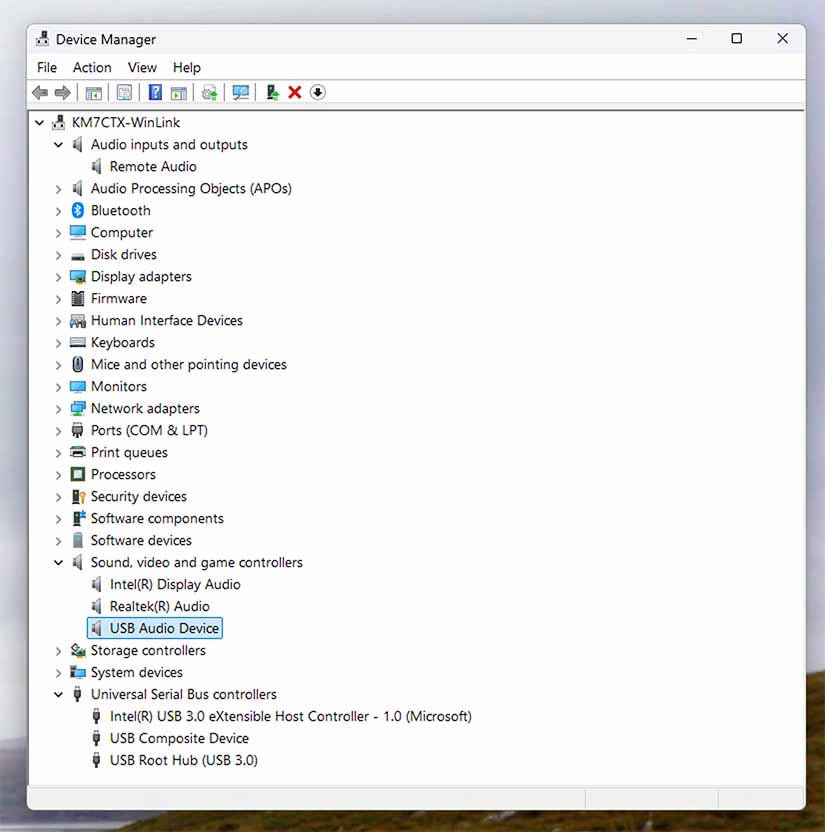
No matter what I do, when I plug the Digirig Lite in to a USB port, no audio input or audio output devices appear in the Device Manager. I do see a ‘USB Composite Device’ appear in the ‘Universal Serial Bus controllers’ and a ‘USB Audio Device’ appear in the ‘Sound, video and game controllers’. See Device Manager image below.
Yes, the install succeeded, and I searched out the files and they were updated. I do have to say that’s it has been years since I used Windows so there still could be a driver issue.
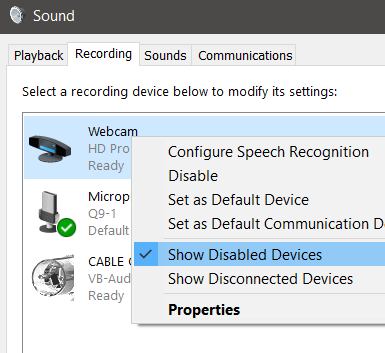
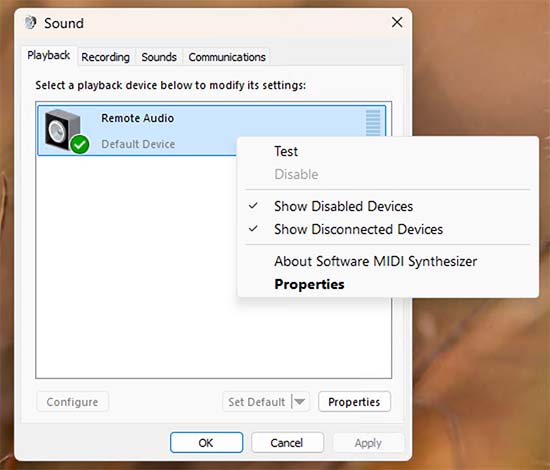
Enable visibility of the disabled devices in the control panel.
Sometimes people disable devices accidentally by clicking on the wrong menu item while trying to move the default assignments.
In the past I have downloaded a driver CP2102N, rather than the driver labeled Universal Windows driver. Only the Universal Windows driver worked for me.
Apologies for not getting back here sooner. I did figure out what was happening.
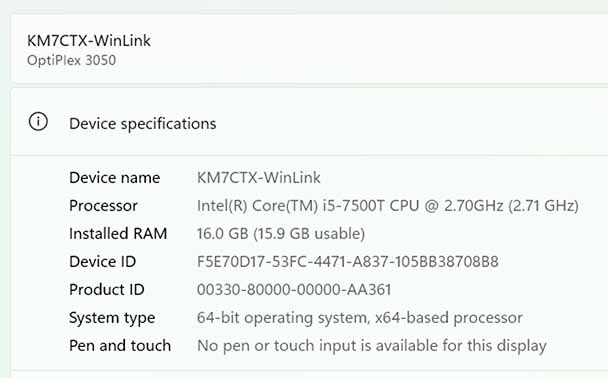
I have a little Dell desktop computer that I’m running headless. I’m a Mac user so I installed the Windows remote app for the Mac. The reason I didn’t see the Digirig Lite in the Devices was that Windows only recognizes them when logged in to the main console.
So I installed TightVNC on to the Dell and used the VNC client on the Mac to connect. Because VNC remotes the console, like magic, the devices showed up and things started working.
But that’s not the end of the story. It only partially worked for about a day when it stopped connecting to the remote Winlink node. It turns out that the cable failed – the audio that’s supposed to get to the mic input of the radio never got there. I got it from DX Engineering so I’ll contact them and exchange it for a new one.