There were earlier reports with Raspberry Pi occasionally failing to detect otherwise working Digirig Lite. This doesn’t happen with Digirig Mobile likely because it has an internal USB hub and can condition the signals. Using something like USB isolator can have the same effect. Alternatively, I’m working on the revision of Digirig Lite which might improve the detection. If you would like to try one of these units in your setup, please a new order with a note requesting it. You can later return either or both units for the refund.
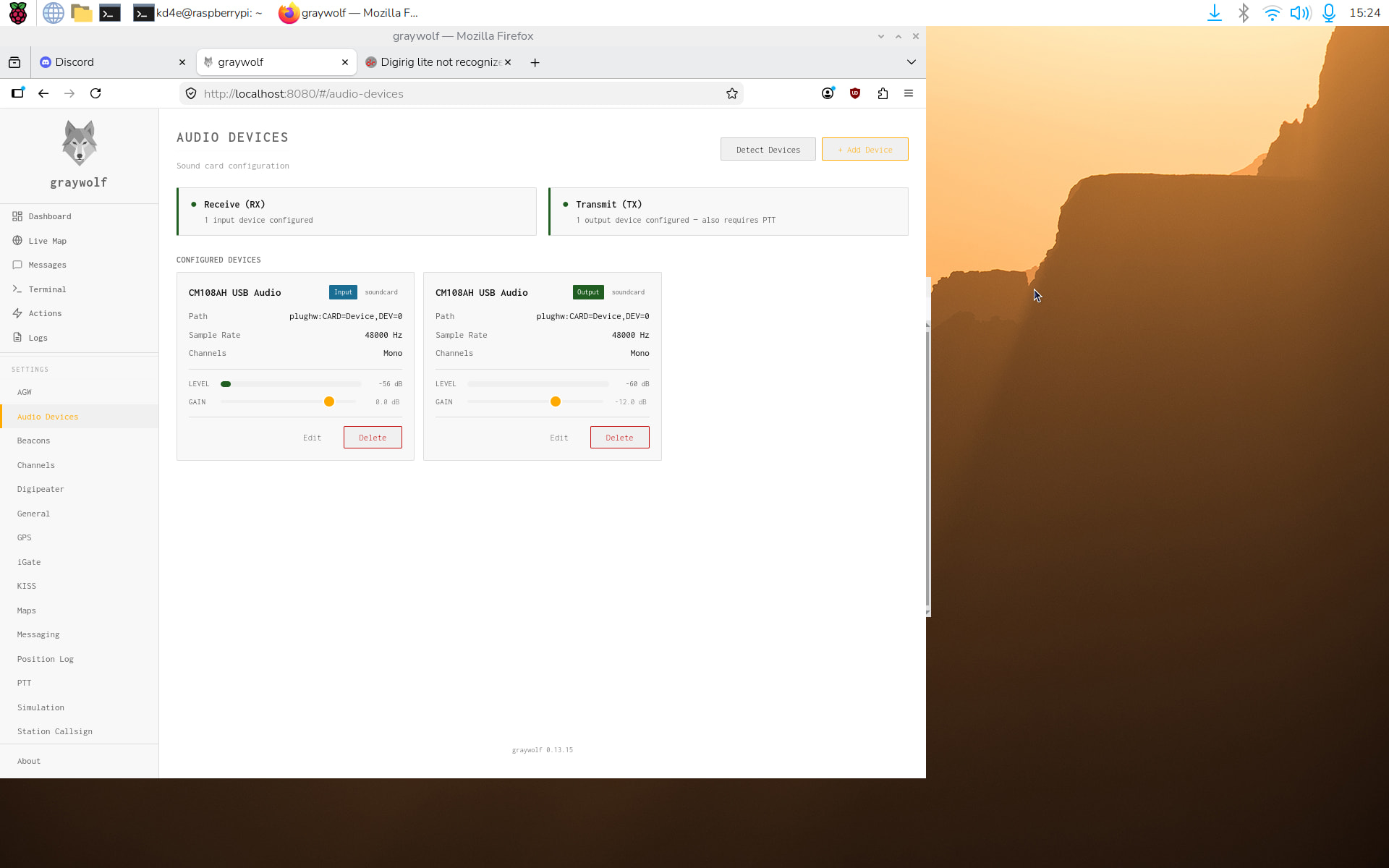
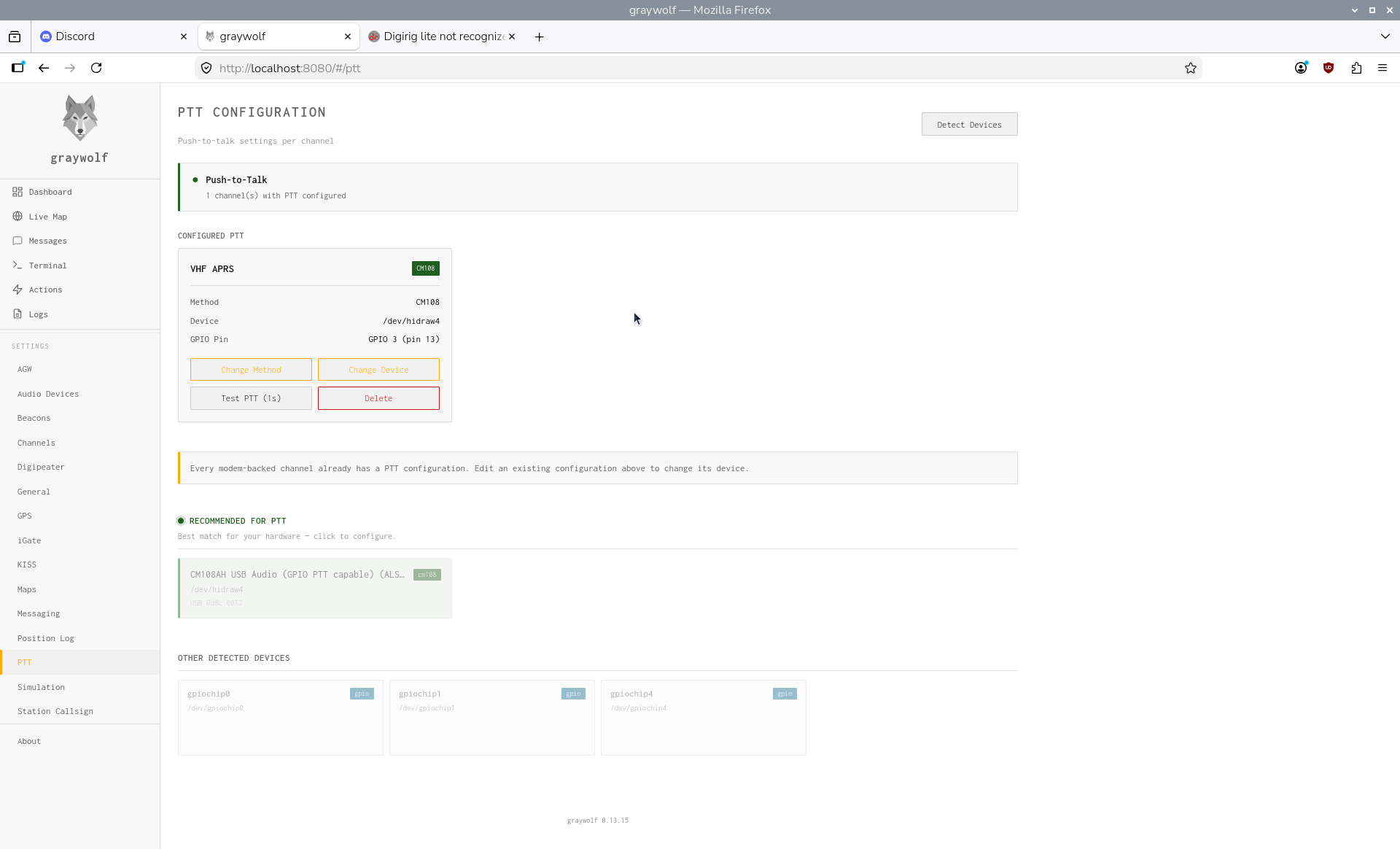
I looked more closely at the Graywolf instructions and say that PTT settings weren’t linked from the Audio Devices page. I went there and tried things, but no PTT. Their instructions say: “Recommended for PTT — the best match for your hardware (e.g. an AIOC or Digirig adapter showing as cm108 on /dev/hidraw1). Click it to pre-fill the form.” but the digirig lite shows up as “hidraw4” rather than “hidraw1” - could that be the problem?
Graywolf appears to want a cm108 on /dev/hidraw1 but the digirig lite is showing up as a hidraw4. I don’t see any way to change that. Do you know how, please?
I just looked in /dev/ and see that hidraw1, 2, 3, and 4 are all available.
Is there a way that I can force the digirig lite to use hidraw 1 instead of 4?
(Is it as simple as deleting all 4 entries, rebooting, and it will be assigned to hidraw 1?)
Yesterday the digirig lite showed as hidraw4, today it was hidraw3, I deleted things and rebooted and now it’s showing as hidraw0. (As I understand Graywolf it needs to be hidraw1.) Maybe if I keep deleting and rebooting I might catch it at hidraw1 - but then I don’t know if that will hold through the next reboot. Because I don’t know how that value is assigned, I don’t know if it can be forced, somehow.
Might the new revision address the “hidraw1” problem in Graywolf, please? If so, I’d like to exchange the one (without a case) that I bought recently and pay the difference for your new revision model, if I can do that.
The changes in the new revision were not for the described situation, but it’s a possibility that they help with it as a side effect. Please contact via the support form regarding returns/replacements if you want to give it a try.
i don’t use graywolf but i cant imagine the author hard coded the device id.
there ought to be a selection ‘box’ somewhere to set which device you want